Zigobe Habeho brings together hourly booking, equipment scheduling, cleaning verification, cold storage assignment, automatic invoicing, and health inspection readiness into one connected platform built specifically for food incubator spaces.
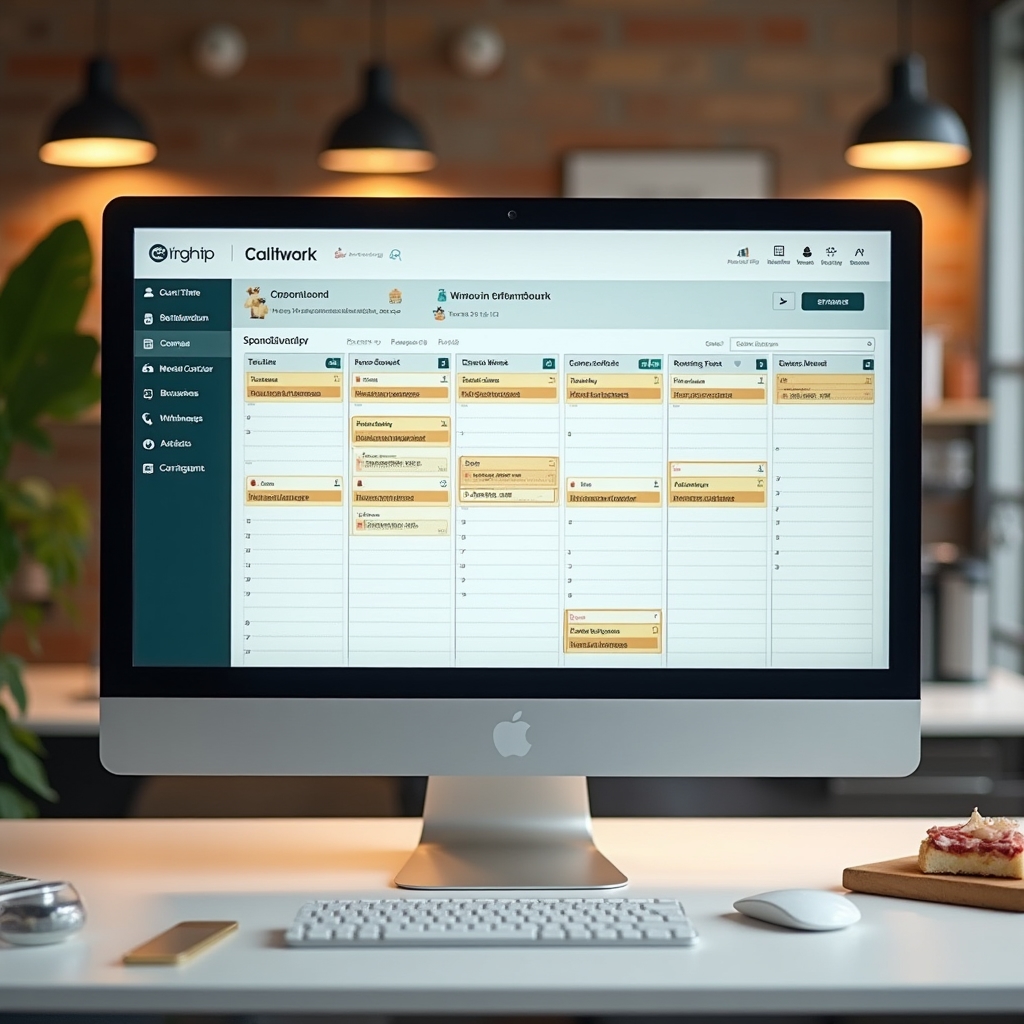
Reserve kitchen stations and equipment by the hour with real-time availability across your entire facility.
Digital checklists tied to each session ensure every station is properly cleaned and documented before the next tenant arrives.
Invoices generate automatically from completed sessions, equipment usage, and storage assignments without manual entry.
Multiple tenants. Rotating schedules. Equipment that needs to be tracked. Health inspectors who expect documentation on demand. Cold storage that fills up faster than expected. Community members who need to connect with each other.
Zigobe Habeho is purpose-built software for exactly this environment. Not a generic booking tool adapted for kitchens. Not a spreadsheet with a nice interface. A real platform that understands how food incubators actually operate.
Our ApproachEach feature was developed in response to real operational challenges faced by shared kitchen managers across the country.

Tenants book specific kitchen stations by the hour. During checkout they can add equipment like mixers, slicers, or blast chillers. Availability is shown in real time so double-bookings never happen.
Each completed session triggers a digital cleaning checklist. Tenants photograph and confirm each item. Managers can review submissions and flag issues before the next booking begins.
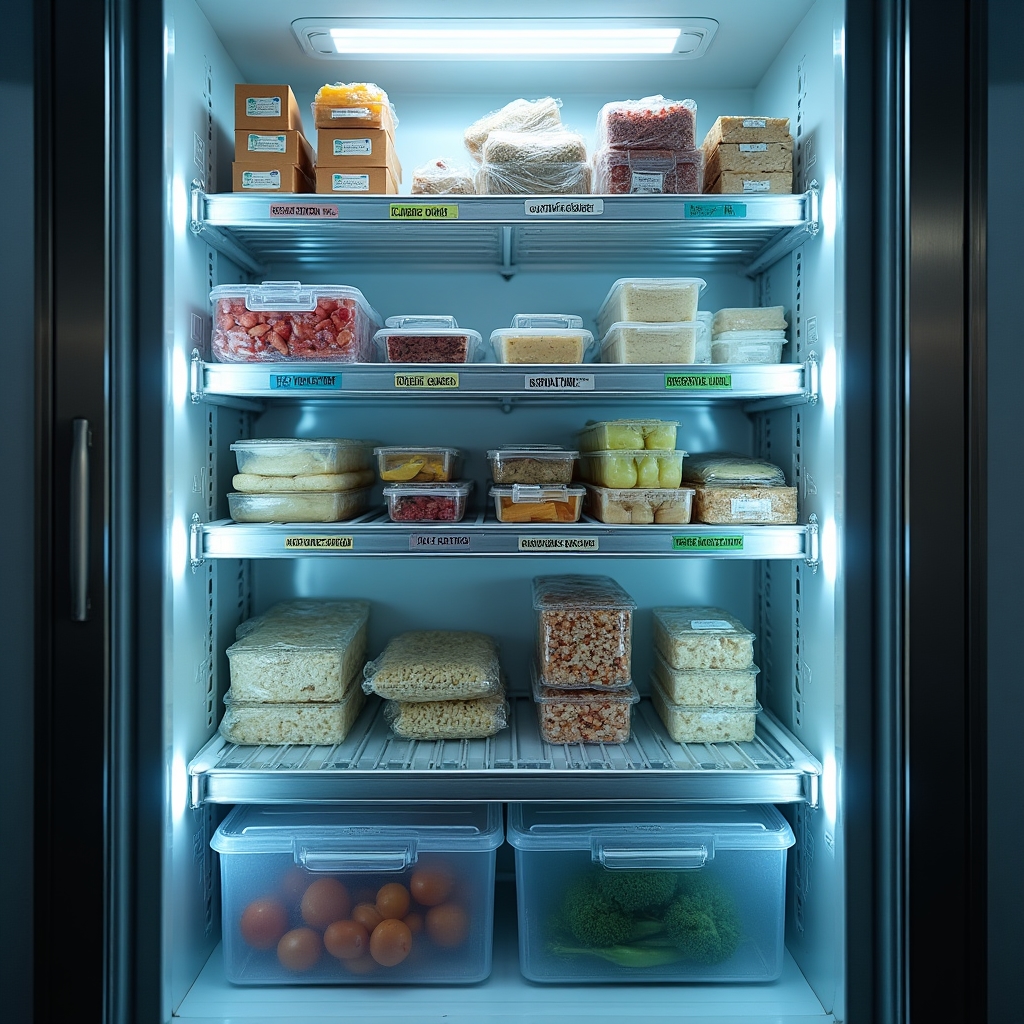
Assign walk-in sections, reach-in lockers, and freezer compartments to specific tenants. Track what is stored where. Automated reminders go out when storage periods are approaching their end.
Invoices are generated from actual usage data. Session time, equipment fees, storage charges, and any additional costs roll into a clean invoice sent directly to the tenant on your schedule.
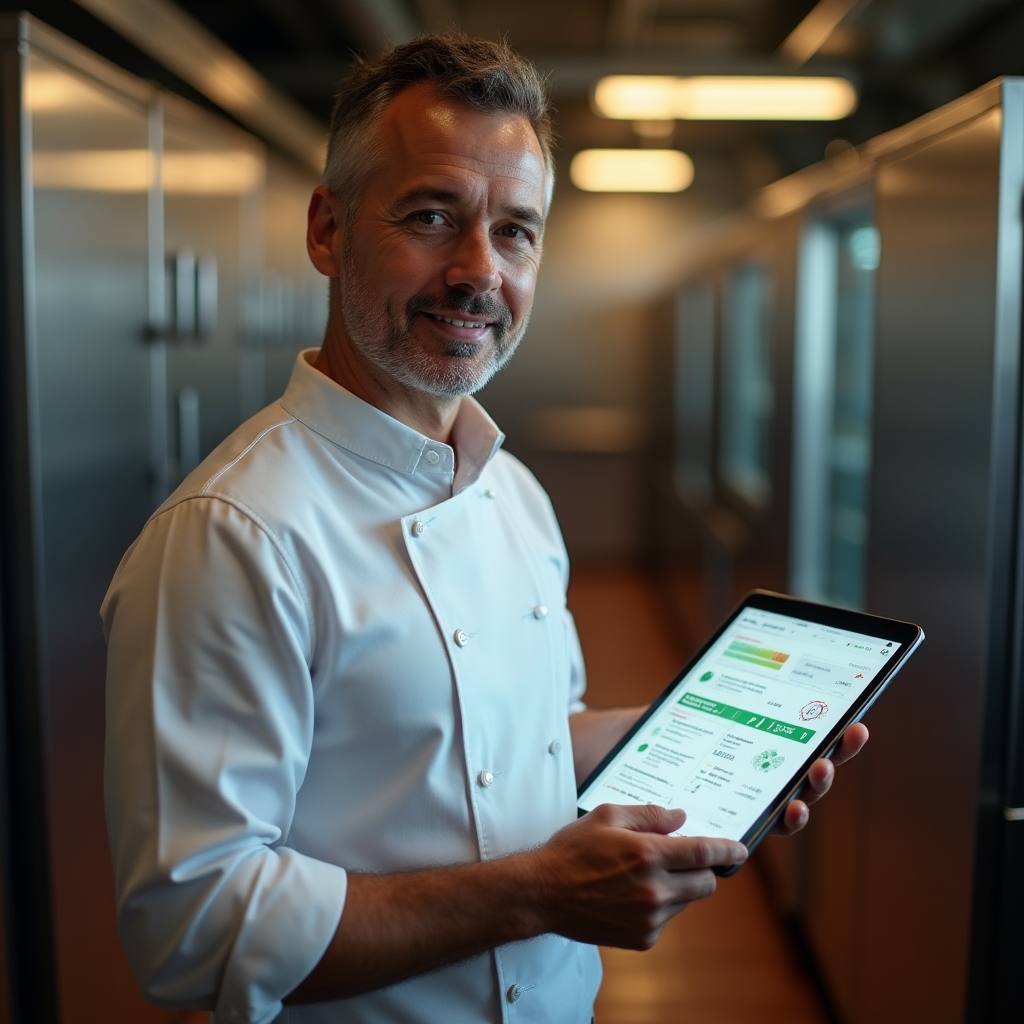
A dedicated view shows your facility's compliance status at a glance. Cleaning logs, equipment maintenance records, temperature logs, and certification expiry dates all visible in one place.
Members post opportunities, ask questions, share surplus ingredients, and announce new products. A simple, moderated space that helps your incubator community grow stronger together.
The tenant logs in, selects a station, picks a time slot, and adds any equipment they need. The system confirms availability instantly and sends a booking confirmation.
The tenant uses the kitchen. When their time ends, the system logs the actual duration. Any overrun is tracked automatically for accurate billing.
Before leaving, the tenant completes the digital cleaning checklist. Photos can be attached. The station is not marked available again until the checklist is approved.
At the end of the billing cycle, all session data, equipment usage, and storage fees roll into a single invoice per tenant. No manual calculation needed.
The inspection readiness dashboard aggregates data from every part of your operation. Cleaning logs from completed sessions. Temperature records from cold storage units. Equipment maintenance history. Tenant certification expiry dates. Everything organized and exportable in minutes.
When an inspector walks in, you open one screen. That screen tells the whole story of how your facility operates.
Read Compliance Guide
Food incubators thrive when members help each other. The built-in bulletin board gives your community a place to post surplus ingredients, share equipment tips, announce pop-up events, and find collaborators.
Posts are moderated by facility managers. Categories keep things organized. Members get notifications for topics that matter to them. Simple, purposeful, and woven into the same platform they already use every day.
Yes. Equipment can be booked as a standalone reservation or added to a kitchen station booking as an add-on during the checkout process. Managers configure which equipment is available, its hourly rate, and any restrictions around its use. Equipment availability is shown in real time alongside station availability so tenants can plan their sessions accurately.
When a session ends, the tenant receives a cleaning checklist specific to the station they used. They check off each item and can attach photos for documentation. The station remains locked for new bookings until a manager reviews and approves the submission. Managers can set up auto-approval for trusted tenants or require manual review for all submissions. All cleaning records are stored and accessible from the inspection readiness dashboard.
Managers can map out their cold storage areas, including walk-in coolers, reach-in refrigerators, and freezer sections. Each zone or locker is assigned to a specific tenant for a defined period. The system tracks assignment start and end dates and sends automated reminders before storage periods expire. Tenants can view their own storage assignments from their dashboard. Managers get a full overview of what storage is occupied, by whom, and for how long.
Invoices are generated automatically at the end of each billing cycle. They pull data from completed sessions, equipment usage, cold storage fees, and any additional charges entered by the manager. Each invoice is itemized so tenants can see exactly what they are being charged for. Invoices are delivered by email and are also accessible from the tenant's dashboard. Managers can configure billing cycles, payment terms, and accepted payment methods.
Zigobe Habeho works for facilities of different sizes. Smaller kitchens benefit from the same features as larger ones because the operational challenges are similar regardless of scale. A kitchen with four tenants still needs cleaning documentation, still needs to track cold storage, and still needs to invoice accurately. The platform scales with your facility as you grow without requiring a different product at each stage.
We provide onboarding assistance to help you configure your facility layout, set up your tenant accounts, define your equipment catalog, and customize your cleaning checklists. Documentation is available for every feature. Our support team is reachable by email and can schedule calls for more complex setup questions. We want your facility to be running smoothly as quickly as possible.
Reach out to schedule a walkthrough of the platform. We'll show you how each feature maps to the real challenges your facility faces.
We use cookies to improve your experience. Learn more
Required for the website to function. Cannot be disabled.
Help us understand how visitors interact with the website.
Used to deliver relevant content and measure campaign effectiveness.